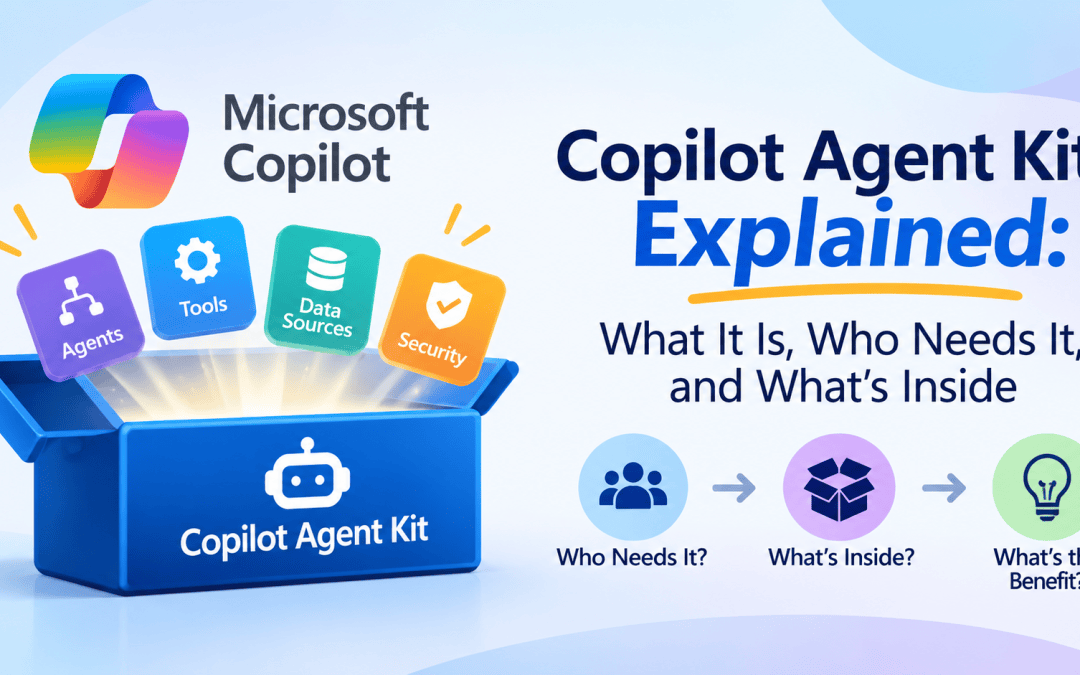
Managing multiple agents in Copilot Studio is harder than creating a single one. The Copilot Agent Kit assists with this complexity.
The kit is a free add-on from Microsoft’s Power Customer Advisory Team (Power CAT), known as the Copilot Studio Kit or the Power CAT Copilot Studio Kit. You must install it separately in a Power Platform environment, as it is not part of Copilot Studio. Once installed, it provides tools to test, monitor, and manage your agents.
Who it’s for:
- Makers who want to test their agents with multiple questions at once instead of typing them one by one.
- Admins who need to see every agent in the organization and check that they follow the rules.
- Teams that release agents through test and production environments and want a quality check along the way.
If you only have one small agent, you probably don’t need it yet. Once you have a few, or once people depend on them, it starts to pay off.

What’s in the kit
The kit has many tools, but you only need a few. They are organized by purpose, making it easy to choose what you need.
Testing your agents
- Test automation: Create test questions and expected answers, then run them all at once. You’ll receive pass/fail results, the agent’s responses, and response times.
- Rubrics: Create your own rules for scoring AI-written answers. This way, “good enough” means the same thing every time you assess responses.
- Automated testing in pipelines: Run your tests automatically before an agent goes into production. This will stop a broken version from being released.
Administration
- Agent Inventory: A list of all the custom agents in your organization.
- Conversation KPI: A dashboard of how conversations are going, alongside Copilot Studio’s own analytics.
- KPIs Details View: The details behind the Conversation KPI dashboard, so you can dig into the numbers.
- Conversation Analyzer: Ask questions of your chat transcripts to spot patterns and problems.
- Agent Value Summary: Sorts your agents by what they do and the value they bring, so you can see which ones are worth the effort.
- Agent Insights Hub: One place to see usage and quality across agents.
- Agent Debugger: Step through a recorded conversation to see how the agent arrived at an answer.
Agents Governance
- Compliance Hub: Checks agents against your organization’s rules and flags problems.
- Power Shield: Makers must request permission to access blocked connectors.
Productivity
- Agent Library: Pre-made templates for agents and reusable components.
- Agent Change Tracker: Keeps track of changes made to your agents, so you can see what changed and when.
- Webchat Playground: Change the colors, fonts, and look of your website chat window.
- Advanced Testing: Extra testing options beyond standard test runs.
- Agent Review Tool: Scans an agent for mistakes that can harm performance or security and recommends fixes.
- Adaptive Cards: Ready-made card designs for better responses.
- Prompt Advisor: Paste in a prompt and get a score, feedback, and a better version.
To sum up
The Copilot Studio Kit, from Microsoft’s Power CAT, is a free add-on designed to help organizations manage multiple agents in Copilot Studio. It needs to be installed separately and is beneficial for makers, admins, and teams overseeing agents across testing and production environments. It’s particularly useful when dealing with several agents.
In upcoming articles, I will demonstrate the installation process and configuration steps for the Copilot Studio Kit, ensuring you can implement it effectively in your Power Platform environment.