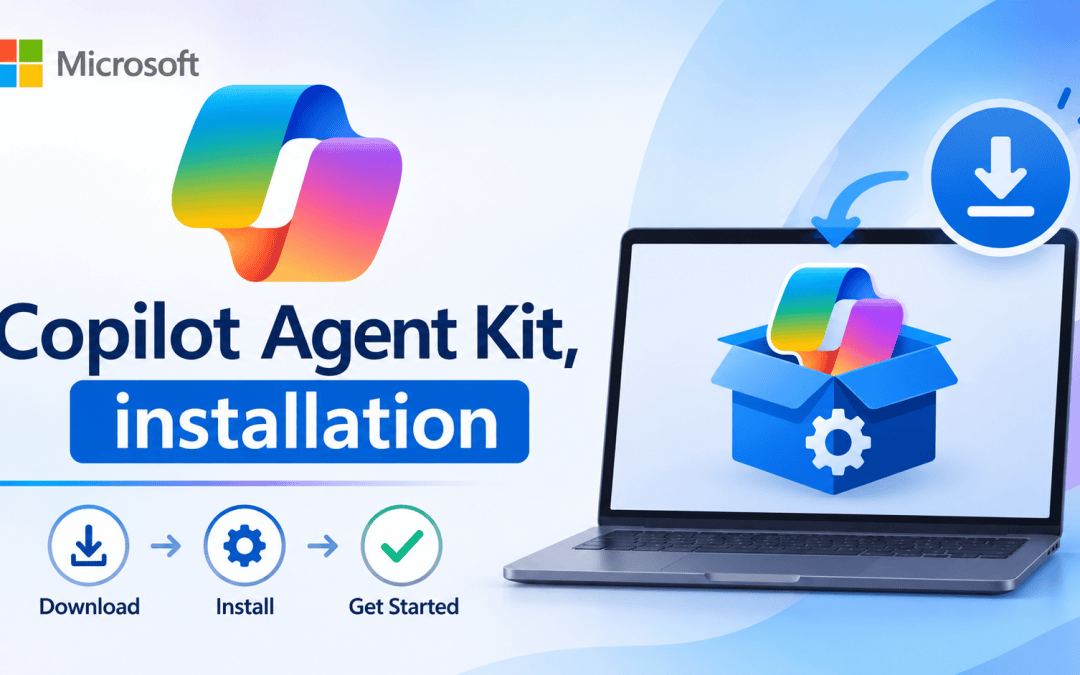
Previously, I provided an overview of the Copilot Studio Agent Kit, talking about who can benefit from using it and what it offers in general. In this article, I will explain the steps to install it in your organisation.
Prerequisites
Make sure to sort these out first. Most installation problems arise from skipping any of these steps.
- An environment with Dataverse.
- System Administrator role in that environment, so you can install solutions.
- Power Platform admin role if you want Agent Inventory to see agents across the organization.
- Enable Power Apps code component framework for canvas apps.
- Enable Power Apps Code Apps feature.
- Required licenses to use premium connectors, such as Power Apps and Power Automate Premium.
- Creator Kit installed first. The Copilot Agent Kit uses parts of Microsoft’s Creator Kit, so import that solution before this one.
Briefly, with a few screenshots, I’ll share the prerequisites so you can set it up more easily.
Power Apps code component framework for canvas apps.
To enable the Power Apps Component Framework for canvas apps, choose your environment, then select Settings from the command bar at the top. Expand the Product section, click on Features, and toggle on the Allow publishing of canvas apps with code components option.

Power Apps Code Apps
To enable the Power Apps Code apps, choose your environment, then select Settings from the command bar at the top. Expand the Product section, click on Features, and toggle on the Enable code apps option.

Install the Creator Kit
Download the CreatorKitCore solution from here and install it.
Now that you’ve completed the prerequisites, you’re ready to install the Copilot Agent Kit solution in your environment.
To do so, navigate to Microsoft Corp – Power CAT Marketplace and choose Get it now.

Then, again tap Get it now.

Once you click the Get it now button, you will be redirected to the Power Platform Admin Center and see the Install Copilot Studio Kit pop-up. First, select your environment, check the checkboxes, and then tap Install to start the installation process.

Wait about 40 minutes for the installation to finish.
To view the solution, visit the Makers Portal and select Solutions – Managed. There, you can access the Copilot Agent Kit solution.
As of writing this article, the latest version of Copilot Studio Agent is 20161030.2.

Well done. If you followed the steps above, you can install the Copilot Agent Kit. Stay tuned for my next article, where I will demonstrate the configuration so you can view the Copilot agents’ data.