
Most of the agents I see in customer tenants were built fast. Someone woke up with a good idea, opened Copilot Studio, connected a few data sources and published. The agent answered the test questions in the Preview pane, so it went live.
As an architect, I don’t only care whether the agent works. I care about what it can reach, when it decides to call a tool, and what it does when someone asks it something it was never meant to handle.
In this post, I will show you how to use the tool with one of my demo agents. It scored 44%. This score isn’t very good, but a low score is more helpful for our example than a perfect one.
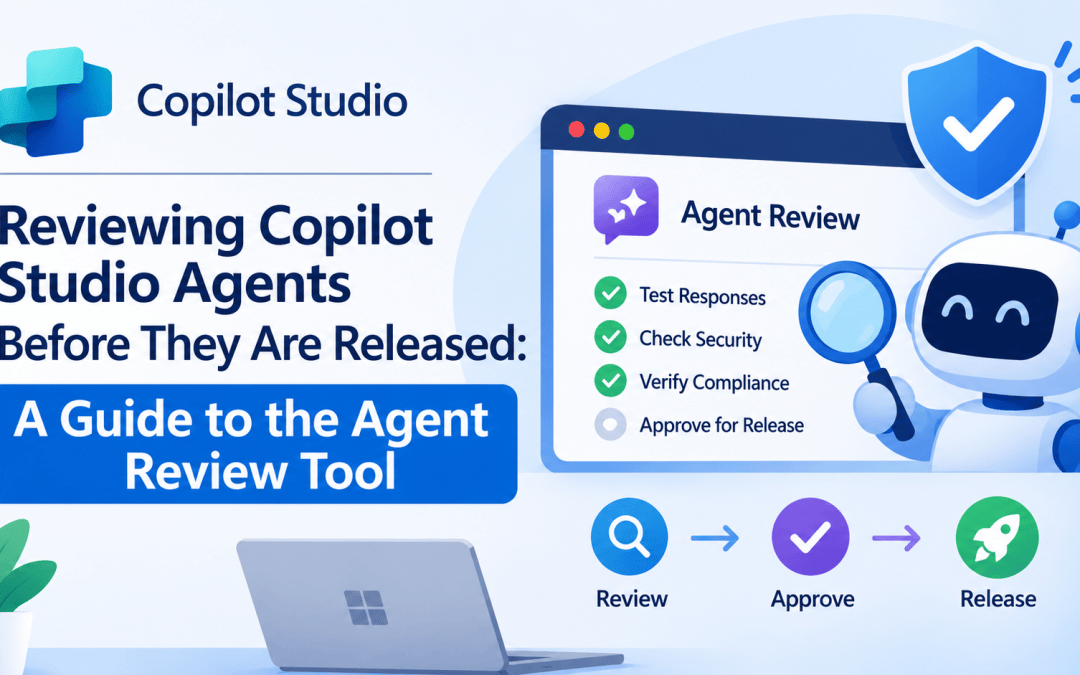
The Agent Review Tool is part of the Copilot Agent Kit, a free tool from Microsoft.
Once you install the kit, open the Copilot Agent Kit for Makers app. You can find the Agent Review Tool on the left side under Productivity.

The main view is where you start. At the top you pick what kind of agent to look at: Copilot Studio Agents, M365 Declarative Agents or Skills & Automations.
Copilot Studio agents need no upload, because the tool reads them straight from Dataverse. For declarative agents you either use Review from ZIP with an exported package, or connect to the Microsoft 365 catalog.
Below that, Quick Stats shows how the environment is doing. Mine had 4 test agents, only 1 of them reviewed, an average score of 41% and 3 open issues. The My Agents list shows each agent’s score, its issues and when it was last checked.

As you can see in the image above, there is an agent with a score of 44% and 4 issues, 1 of which is marked as high. When you select Review on an agent, a panel opens and goes through six steps: Initializing, Parsing Configuration, Evaluating Patterns, Checking Compliance, Saving Results and Complete. Most reviews finish in under a minute.
The panel shows what task it is working on. Right now, it is checking compliance and figuring out how well the instructions meet each requirement. You don’t need to watch the process. Just select “Continue” in the background and keep working. The results will show up in the list when it is finished.
Before you press the button, remember that each review uses Copilot Credits, and reruns do too. Make any fixes first, then review again.

After the reviewing finish you will redirect to a new page where you can view
At the top there are three views: Review, Agent map and Cost & efficiency. Inside Review you get four tabs: Review findings, Skill evaluator, Evaluation coverage and All checks.
My demo agent passed 14 of the 18 checks.

The findings are grouped into 5 families: Instructions, Evaluation, Knowledge, Lifecycle, and Model, with the most serious issues listed first. You can filter by Errors, Warnings, and Information. I found 1 error, 3 warnings, and 3 informational items; these make up the 4 problems on the dashboard.
When you select a finding, the right side explains it in four parts: the fact from the agent, the impact, the recommendation, and a link to a Microsoft Learn page. This is helpful because you can look at the official source instead of just your own thoughts.

These notes are about trust. Can the agent do what it promises, and can people check its answers?
- [Instructions reference a capability the agent does not have] – The instructions say the agent can do something it actually cannot (error). If it can’t do what was asked, it makes promises it can’t keep. We need to fix this.
- [Instructions attempt to alter citation behavior] – The instructions change how we use citations, which are important for showing the sources of our information.
- [Instructions promise knowledge the agent does not have] – The instructions suggest that the agent may claim knowledge it doesn’t actually have, leading to confident but incorrect answers.
- [No evaluation test set exists] – There are no tests to check if the agent works well (warning). Without tests, we can’t tell if it still works after changes.
Many of the problems come from the instructions. They tell the agent what to do and when to ask a person for help.
The review states that the Grounded score is 44%. This score comes from checking rules, not the quality of the answers. The model is on “Auto,” and it can’t remember things or search the web.

Some useful advice for building custom copilot agents.
1. Check the agent before testing. Fix errors.
2. Review and update instructions to match the agent’s abilities.
3. Share the findings with members of the teams the agent will be working with.
4. Keep the PDF with the release as proof of review.
5. Check again after changes. Bear in mind that each run uses copilot credits.
One last caveat about this tool: when I wrote this article, it was still in Preview, which can be inaccurate. You should always review the results and validate them before you make any changes. After all, having a report about your agents with any remarks saves you a considerable amount of work.